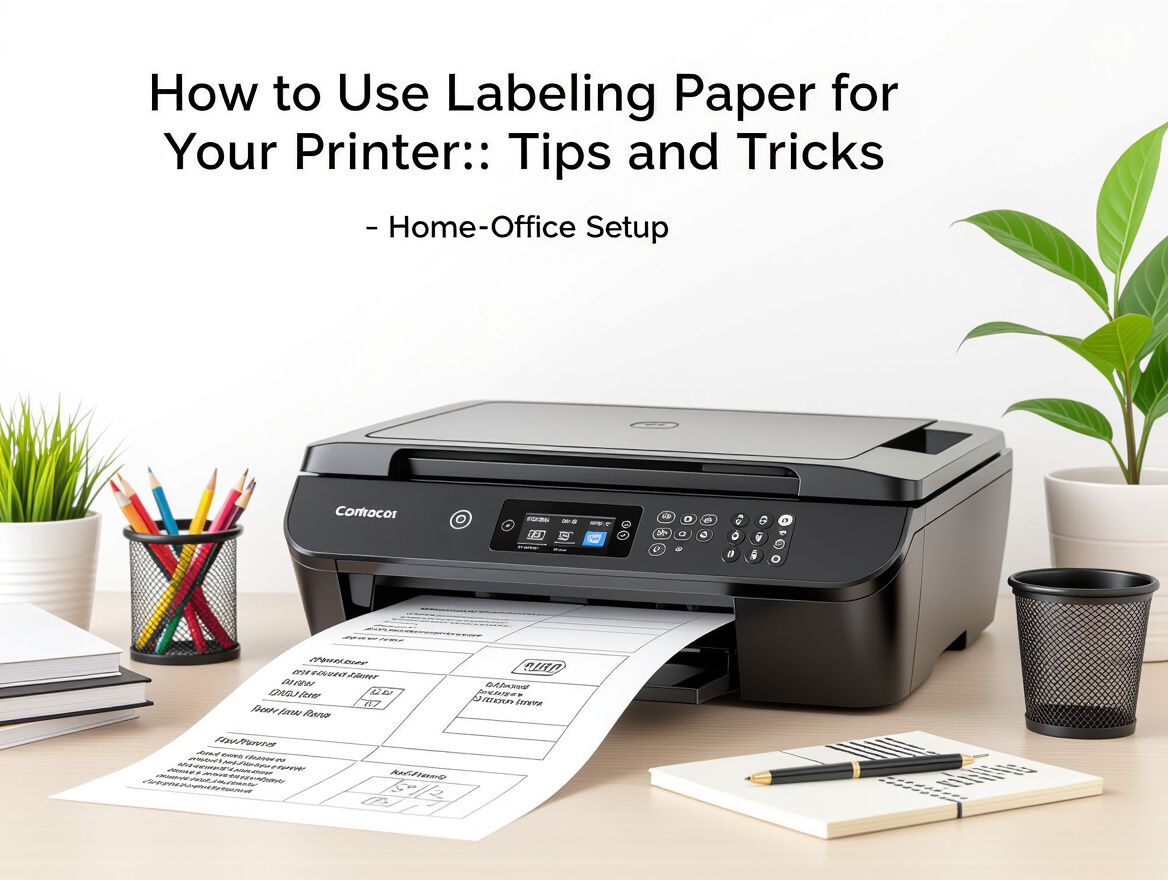
How to Use Labeling Paper for Your Printer: Tips and Tricks
Understanding Labeling Paper for Printers
Labeling paper is a specialized type of paper designed for use in printers to create adhesive labels. Its importance spans various applications in both home and office settings, including organizing files, labeling products, and managing inventory. Choosing the right labeling paper is crucial for achieving optimal print quality and ensuring compatibility with your specific printer type.
Common Uses
- Home Organization: Creating labels for files, containers, and personal items to maintain order.
- Office Efficiency: Labeling documents, equipment, and inventory to streamline workflows.
- Retail Applications: Printing product labels, price tags, and promotional stickers for merchandise.
Why It Matters
Selecting the appropriate labeling paper affects not only the visual appeal of your labels but also their durability and adhesion. Factors such as paper thickness, adhesive quality, and compatibility with your printer type (inkjet or laser) can significantly influence the final output. Using unsuitable paper may lead to issues like smudging, peeling, or paper jams, which can disrupt your labeling process and waste valuable resources.
Understanding these elements will help you make informed decisions that enhance your labeling projects, whether for personal use or within a business context.
Key Buying Criteria for Labeling Paper
When selecting labeling paper for your printer, it's essential to consider several critical factors to ensure compatibility and effectiveness. Here’s a checklist to guide your purchasing decision:
-
Printer Compatibility: Verify that the labeling paper is compatible with your specific printer type—inkjet or laser. Different printers may require different paper types, and using the wrong one can lead to poor print quality or even damage the printer.
-
Paper Size and Format: Determine the size of labels you need based on your intended application. Common sizes include standard label sheets and custom formats. Ensure that the paper fits your printer’s specifications for optimal performance.
-
Material Durability and Finish: Consider the material of the labeling paper. Options include matte, glossy, and weather-resistant finishes. The durability of the paper is crucial, especially if labels will be exposed to moisture or abrasion.
-
Adhesive Type and Strength: Assess the adhesive properties of the labeling paper. Different adhesives are suited for various surfaces and conditions. Ensure that the adhesive strength matches your usage scenario, whether for temporary or permanent labeling.
By carefully evaluating these criteria, you can select labeling paper that meets your specific needs, enhances your organization efforts, and minimizes potential printing issues.
Trade-offs and Considerations
When selecting labeling paper for your printer, understanding the trade-offs involved is crucial for optimizing your labeling processes. Here are key considerations that can significantly impact your choice:
-
Cost vs. Quality: Higher-quality labeling paper often results in better print clarity and durability. However, these premium options typically come at a higher price point. Assess whether your labeling needs justify the investment in quality or if a more economical choice suffices for short-term projects.
-
Short-term vs. Long-term Use: If your labeling needs are temporary, such as for events or seasonal promotions, consider using lower-cost options. For permanent labels, especially those exposed to the elements or requiring durability, invest in materials designed for longevity.
-
Compatibility with Different Printer Types: Different printers (inkjet, laser, thermal) require specific types of labeling paper. Ensure that the paper you choose is compatible with your printer to avoid issues such as poor adhesion or print quality. Check the manufacturer’s recommendations for optimal results.
-
Environmental Impact of Materials: Consider the sustainability of the labeling paper. Some options are made from recycled materials or are biodegradable, which can align with eco-friendly practices. Assess your organization's values regarding environmental impact and choose materials that reflect those priorities.
By weighing these trade-offs, you can make a more informed decision that aligns with your specific labeling needs and operational contexts.
Risks and Common Issues
When utilizing labeling paper for your printer, it’s essential to be aware of potential risks and common issues that can arise during the printing process. Understanding these challenges can help you make informed decisions and mitigate problems effectively.
-
Paper Jams and Printer Damage: Labeling paper, especially if it’s thicker or has an unusual texture, can lead to paper jams. Regularly check your printer for any buildup of adhesive or debris that can cause blockages. Additionally, using non-compatible paper can strain your printer's mechanisms, potentially leading to costly repairs.
-
Adhesive Failure and Label Peeling: Poor quality or incompatible labeling paper may result in adhesive failure, causing labels to peel off after printing. Consider the environment where the labels will be used; for instance, exposure to moisture or heat can weaken adhesive bonds.
-
Compatibility Issues with Different Printer Models: Not all labeling paper is suitable for every printer type. Ensure that the paper you select matches your printer’s specifications, such as inkjet or laser compatibility. Refer to your printer’s manual for recommended paper types to avoid printing errors and damage.
-
Misalignment and Printing Errors: Misalignment can occur if the labeling paper is not fed correctly into the printer. This can lead to labels being printed off-center or with incomplete information. Regularly calibrate your printer settings and conduct test prints to ensure that the alignment is correct before running larger batches.
By being aware of these risks and taking proactive measures, you can optimize your labeling process and enhance the overall efficiency of your printing tasks.
Frequently Asked Questions
What types of printers work best with labeling paper?
Labeling paper can be used with various types of printers, including inkjet, laser, and thermal printers. However, it’s crucial to check the manufacturer's specifications for compatibility. Here are some tips:
- Inkjet Printers: Generally versatile and work well with most labeling paper, but ensure the paper is designed for inkjet use to avoid smudging.
- Laser Printers: Suitable for labeling paper that can withstand high heat; avoid paper not rated for laser printing to prevent melting.
- Thermal Printers: Best for direct thermal labels; ensure you select the right type to match your printer’s technology.
How do I ensure the labels stick properly?
To enhance the adhesion of labels, consider the following:
- Surface Preparation: Clean and dry surfaces before applying labels to remove dust, oil, or moisture.
- Temperature and Humidity: Apply labels in moderate conditions, as extreme temperatures can affect adhesive properties.
- Pressure Application: Firmly press labels onto surfaces to ensure full contact, which helps in achieving a strong bond.
Can I use labeling paper for different applications?
Yes, labeling paper is versatile and can be used for various applications such as:
- Product Labels: Ideal for identifying items in retail or warehouse settings.
- Organizational Labels: Useful for home or office organization, including file labeling and inventory management.
- Promotional Labels: Effective for marketing purposes, such as stickers for branding or events.
What should I do if my printer has issues with labeling paper?
If you encounter problems while using labeling paper, follow these troubleshooting steps:
- Check Printer Settings: Ensure your printer settings are correctly configured for label printing, adjusting paper type and size as needed.
- Clean the Printer: Regularly clean the printer rollers and heads to prevent jams and ensure quality prints.
- Update Drivers: Make sure your printer drivers are up to date, as outdated software can lead to compatibility issues.
By addressing these common questions and concerns, you can optimize your use of labeling paper for all your organizational needs.
Making the Right Choice for Your Labeling Needs
Selecting the appropriate labeling paper for your printer is crucial for achieving optimal results in your organization efforts. To recap, consider the following key criteria that can guide your decision-making process:
-
Printer Compatibility: Ensure that the labeling paper is suitable for your specific printer type, whether it's an inkjet or laser printer. Using incompatible paper can lead to issues such as paper jams or subpar print quality.
-
Label Size and Format: Identify the size and format of the labels you require. This will depend on your application, whether for shipping, inventory, or personal organization. Matching the paper size to your printer's capabilities is essential for efficient printing.
-
Material and Finish: The durability of the labeling paper matters significantly. Consider finishes like matte or glossy, as well as weather-resistant options if your labels will be exposed to the elements. This choice impacts both the longevity and appearance of your labels.
-
Adhesive Properties: Assess the adhesive strength based on the surfaces you'll be labeling. Some adhesives are designed for temporary use, while others provide a stronger, permanent bond. Choosing the right adhesive can prevent labels from peeling or falling off.
In conclusion, making an informed choice about labeling paper will not only enhance your printing experience but also ensure that your labels serve their intended purpose effectively. Proper selection is key to avoiding common pitfalls and achieving a well-organized labeling system.