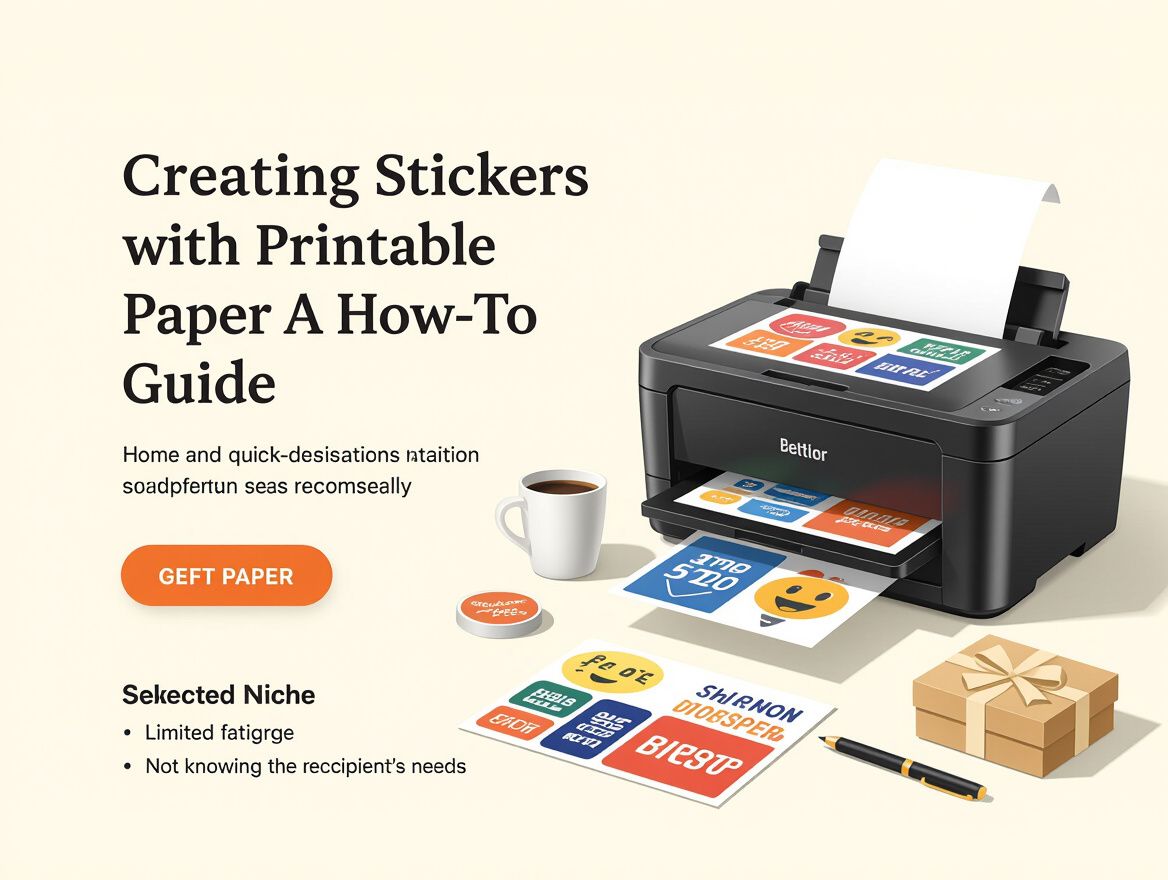
Creating Custom Stickers with Printable Sticker Paper: A How-To Guide
Introduction to Printable Sticker Paper
Printable sticker paper is a specialized type of paper designed to be used with inkjet or laser printers, allowing users to create custom stickers for a variety of applications. This paper typically features an adhesive backing, making it easy to peel and stick once printed. It's popular for personal projects, small business branding, and promotional materials.
Common Applications for Custom Stickers
- Personal Use: Create personalized stickers for planners, scrapbooks, or gifts.
- Business Branding: Design stickers for product labels, packaging, or marketing materials.
- Event Promotions: Produce stickers for events like weddings, parties, or community gatherings.
- Art and Crafts: Enhance artistic projects or DIY crafts with unique stickers.
When selecting printable sticker paper, consider factors such as printer compatibility (inkjet vs. laser), paper finish (matte vs. glossy), and the intended use of the stickers. Understanding these elements can help ensure that your stickers turn out as envisioned and meet your specific needs.
Key Criteria for Choosing Printable Sticker Paper
When selecting printable sticker paper for your printer, it's essential to consider several key factors to ensure optimal results for your personal or small business projects. Here's a checklist to help you make an informed decision:
-
Printer Compatibility:
- Ensure the sticker paper is compatible with your printer type. Most sticker papers are designed specifically for either inkjet or laser printers. Using the wrong type can lead to poor print quality or even damage your printer.
-
Paper Size and Thickness:
- Check the size of the sticker paper to ensure it fits your printer's specifications (commonly 8.5" x 11"). Additionally, consider the thickness of the paper, which can affect the printing process and the final look of your stickers.
-
Finish Options:
- Decide between matte and glossy finishes based on your design needs. Matte finishes are great for a more subdued look and are less prone to fingerprints, while glossy finishes enhance colors and provide a vibrant appearance.
-
Adhesive Quality:
- Look for high-quality adhesive that ensures the stickers stick well to various surfaces without peeling off easily. Poor adhesive can lead to frustrations, especially if the stickers are meant for long-term use.
By carefully evaluating these criteria, you can select the right printable sticker paper that meets your specific requirements and enhances your sticker-making experience.
Understanding Trade-Offs in Sticker Paper Choices
When selecting printable sticker paper for your printer, understanding the trade-offs between cost, quality, and compatibility is crucial to achieving the best results for your projects.
Cost vs. Quality Considerations
- Budget Options: Lower-priced sticker papers may seem appealing, but they often compromise on adhesive strength and print quality. This can lead to issues like peeling or fading over time.
- Premium Choices: Investing in higher-quality paper typically results in better durability and print fidelity, which can be particularly important for small business branding or memorable personal projects.
Durability and Print Quality
- Material Differences: Different types of sticker paper (e.g., matte vs. glossy) can affect both durability and visual appeal. Glossy finishes tend to enhance color vibrancy but may be more prone to scratches.
- Weather Resistance: If your stickers will be exposed to moisture or sunlight, consider water-resistant options. These may come at a higher price but offer longevity in outdoor or humid environments.
Compatibility Risks with Different Printer Models
- Printer Type: Ensure the sticker paper is compatible with your printer type—inkjet or laser. Using the wrong type can lead to paper jams or poor print quality.
- Size and Thickness: Check that the paper size fits your printer’s specifications. Some printers may struggle with thicker materials, which could affect feeding and alignment during printing.
By weighing these trade-offs, you can make a more informed decision that aligns with your specific needs, whether for personal crafting or small business applications.
Common Issues and Troubleshooting Tips
When using printable sticker paper, various challenges can arise that may affect the quality and usability of your custom stickers. Understanding these common issues and their resolutions can enhance your sticker-making experience.
Print Quality Issues
One of the most frequent problems is poor print quality, which can manifest as faded colors or smudging:
-
Faded Colors: This could be due to low ink levels, incorrect printer settings, or using the wrong type of paper.
- Solution: Always check that your printer is set to high-quality mode rather than draft mode. Ensure you are using sticker paper that is compatible with your printer type (inkjet or laser).
-
Smudging: Smudged prints often result from handling the stickers too soon after printing or using the wrong ink.
- Solution: Allow printed stickers to dry completely before handling them. If smudging persists, consider using a paper with a special coating designed to absorb ink effectively.
Paper Jams and Alignment Problems
Paper jams can disrupt your sticker-making process, especially if the paper isn't loaded correctly:
- Jam Prevention: Ensure that the sticker paper is loaded correctly in the printer’s tray, and avoid overloading the tray.
- Fixing Jams: If a jam occurs, carefully remove the paper according to your printer's guidelines. Check for any torn pieces left inside that could cause further jams.
Best Practices for Handling Printed Stickers
Proper handling of printed stickers can significantly reduce issues:
- Storage: Store printed stickers in a cool, dry location to prevent moisture damage.
- Cutting: Use a sharp cutting tool if you’re trimming stickers manually to avoid tearing the paper.
- Test Printing: Before committing to a large batch, print a test sticker to check for alignment and quality.
By recognizing these common issues and applying the suggested solutions, you can improve your experience with printable sticker paper and create high-quality custom stickers for personal or business use.
Frequently Asked Questions
When considering printable sticker paper for your printer, many buyers have specific questions that can affect their purchasing decisions. Here are some of the most common queries and their answers:
What is the best type of sticker paper for my printer?
The best type of sticker paper depends on your printer model. If you have an inkjet printer, opt for inkjet-compatible sticker paper, while laser printers require laser-compatible options. Key considerations include:
- Finish: Choose between matte and glossy finishes based on your project needs. Matte is often better for writing on, while glossy provides a vibrant look.
- Size: Ensure the paper size matches your printer's capabilities, typically 8.5" x 11" for standard home printers.
- Adhesive Quality: Look for high-quality adhesive that ensures stickers stick well without peeling over time.
How can I avoid common printing errors?
Common printing errors can detract from your sticker-making experience. To minimize these issues:
- Check Printer Settings: Always set your printer to high-quality mode before printing to enhance color vibrancy and detail.
- Test Print: Run a test print on regular paper to check alignment and color before using sticker paper.
- Paper Handling: Ensure the sticker paper is dry and stored flat to avoid curling or sticking together, which can cause jams.
What should I look for in a brand of sticker paper?
When selecting a brand of sticker paper, consider the following criteria:
- Compatibility: Ensure the brand specifies compatibility with your printer type (inkjet or laser).
- User Reviews: Look for brands with positive feedback regarding print quality and adhesive performance.
- Durability: Some brands offer water-resistant or tear-proof options, which can be beneficial depending on your intended use.
By addressing these FAQs, you can make a more informed decision when purchasing printable sticker paper, ensuring your custom stickers meet your expectations.
Conclusion: Making an Informed Purchase
As you consider creating custom stickers with printable sticker paper, it's essential to reflect on the key criteria that will influence your decision. The right choice will depend on your specific needs, whether for personal use or small business applications. Here are some important factors to keep in mind:
-
Printer Compatibility: Ensure the sticker paper is designed for your specific printer type—inkjet or laser. Using incompatible paper can lead to poor print quality or even printer damage.
-
Finish Type: Decide between matte and glossy finishes based on your desired look and feel. Matte finishes are great for a more subdued aesthetic, while glossy finishes can enhance color vibrancy.
-
Adhesive Strength: Consider how permanent you want your stickers to be. Some papers offer removable adhesives, which are ideal for temporary applications, while others provide a stronger bond for long-lasting use.
-
Size and Thickness: Choose the appropriate size and thickness for your project. Standard sizes like 8.5"x11" are widely available, but ensure they fit your printer’s specifications.
While these criteria can guide your selection process, also be aware of potential trade-offs. For instance, thicker paper may be more durable but could lead to printer jams if not compatible. Similarly, high-quality sticker paper may come at a higher cost, but it can significantly impact the final product's appearance and durability.
In summary, take the time to evaluate your specific requirements and the factors outlined above. This thoughtful approach will help you choose the right printable sticker paper that aligns with your creative vision and practical needs, ensuring a successful sticker-making experience.