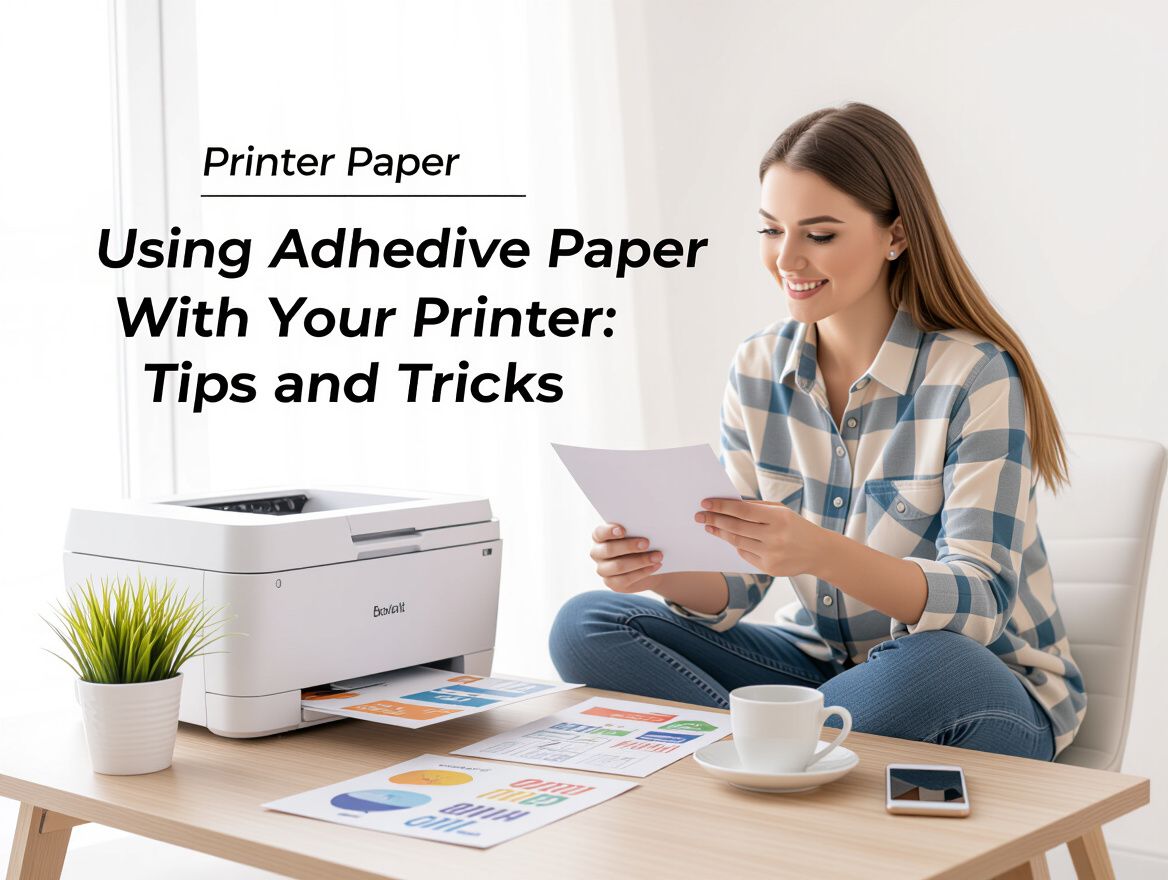
Using Adhesive Paper with Your Printer: Tips and Tricks
Understanding Adhesive Paper and Its Uses
Adhesive paper, often referred to as sticker paper, is designed to be printed on and then adhered to various surfaces. It typically comes in sheets that can be used with inkjet or laser printers, allowing for customizable labels, stickers, and other creative projects. The adhesive backing ensures that once printed, the designs can easily stick to items like bottles, boxes, or promotional materials.
Common Uses and Benefits
- Labeling: Ideal for creating custom labels for products, organization, or personal use.
- Promotional Materials: Businesses can print stickers for branding or marketing campaigns.
- Craft Projects: Perfect for DIY enthusiasts looking to add a personal touch to their crafts or decorations.
Overview of Printer Compatibility
When selecting adhesive paper, it is crucial to ensure compatibility with your printer type:
- Inkjet Printers: Most adhesive papers are designed for inkjet printers and provide vibrant colors and detailed images. Brands like Avery offer specific products tailored for this type.
- Laser Printers: If you’re using a laser printer, ensure that the paper is rated for laser printing, as the heat can affect the adhesive quality and print durability.
Understanding these aspects will help you choose the right adhesive paper for your projects, ensuring optimal print quality and satisfaction with your final outcomes.
How to Choose the Right Adhesive Paper for Your Printer
Selecting the appropriate adhesive paper for your printer involves several key considerations tailored to your specific printer type and project requirements. Here’s a practical guide to help you make an informed choice.
Inkjet vs. Laser Printers
- Compatibility: Ensure the adhesive paper is specifically designed for your printer type. Inkjet printers require paper made for ink absorption, while laser printers need paper that can withstand heat without melting.
- Print Quality: Inkjet printers typically offer superior color vibrancy, making them ideal for projects requiring detailed graphics. In contrast, laser printers excel in producing sharp text and are often faster for high-volume printing.
Paper Size and Thickness
- Size Requirements: Verify that the adhesive paper matches the size specifications of your printer. Common sizes include 8.5" x 11" for standard projects, but larger sizes may be needed for specific applications.
- Thickness Considerations: Thicker adhesive papers may not feed properly through some printers. It's advisable to check your printer's manual for recommended paper thickness to avoid jams or print quality issues.
Brand Compatibility
- Recommended Brands: Some brands, like Avery or ULINE, are known for their compatibility with a wide range of printers. Always check product descriptions for specific compatibility information, especially if you are using a less common printer model.
- User Reviews: Look for feedback from other users who have similar printers. This can provide insights into the performance and reliability of different adhesive paper types.
Potential Challenges
- Loading and Alignment: Manual feeding may be required for some adhesive papers, particularly in inkjet printers. Proper alignment is crucial for avoiding misprints.
- Settings Adjustments: Ensure your printer settings are adjusted for specialty paper. This may involve selecting the correct paper type in the print dialog box to optimize print quality.
By taking these factors into account, you can better navigate the selection of adhesive paper that suits your printer and project needs, ultimately enhancing your print quality and project outcomes.
Checklist for Successful Adhesive Paper Printing
To ensure optimal results when printing on adhesive paper, follow this comprehensive checklist. Each step is designed to help you avoid common pitfalls and achieve high-quality prints.
-
Verify Printer Compatibility: Ensure the adhesive paper is suitable for your printer type—inkjet or laser. Using the wrong type can lead to poor print quality or damage.
-
Adjust Printer Settings: Set your printer to the correct paper type and quality settings. For adhesive paper, select a setting that accommodates thicker media to prevent jams and ensure proper ink application.
-
Proper Paper Loading: Load the adhesive paper correctly in the printer tray. Make sure it is aligned properly and that the adhesive side is facing the right direction to avoid misprints.
-
Conduct Test Prints: Before committing to a full run, print a test page to check for alignment, color accuracy, and overall print quality. This step can save you time and materials.
-
Monitor Environmental Factors: Consider the printing environment, such as humidity and temperature, which can affect the paper's adhesion and print quality. Ensure the workspace is optimal for printing.
-
Use the Right Ink or Toner: Use ink or toner that is compatible with the adhesive paper. Different types of paper may require specific inks to achieve the best results.
By following this checklist, you can maximize your success when working with adhesive paper, ensuring that your projects turn out as intended.
Common Risks and How to Avoid Them
Using adhesive paper in your printer can yield fantastic results, but it's not without its challenges. Understanding potential risks can help you navigate these issues and maximize your printing success.
-
Incompatibility with Printer Types: One of the most common pitfalls is using the wrong type of adhesive paper for your printer. Inkjet adhesive papers are designed differently from those meant for laser printers. Using inkjet paper in a laser printer can lead to smudging and poor adhesion due to the heat involved. Always check that the paper is compatible with your specific printer type.
-
Paper Jams and Feed Issues: Adhesive paper can sometimes be thicker than standard printer paper, which may cause feeding problems or jams. To mitigate this risk, ensure that you are using the correct paper tray setting and feed the paper manually if your printer allows. Additionally, check that the paper is aligned correctly before printing.
-
Quality Degradation Due to Wrong Settings: Incorrect printer settings can lead to disappointing print quality. For instance, if your printer is set to a standard paper type instead of specialty media, the colors may appear dull, and the adhesive may not hold well. Always adjust your printer settings to match the type of adhesive paper you are using, selecting options like "photo" or "label" as appropriate.
By being aware of these risks and taking proactive steps, you can enhance your experience with adhesive paper and achieve the best possible outcomes for your projects.
Frequently Asked Questions About Adhesive Paper and Printers
When considering the use of adhesive paper with your printer, several common questions may arise. Addressing these can help you navigate potential challenges and improve your project outcomes.
What types of printers work best with adhesive paper?
Adhesive paper is compatible with both inkjet and laser printers, but it's essential to select the right type based on your printer model:
- Inkjet Printers: Typically, inkjet printers work well with adhesive paper, especially those designed for vibrant color output. Ensure that the adhesive paper is specifically labeled for inkjet use to achieve the best results.
- Laser Printers: If you own a laser printer, choose adhesive paper rated for laser printing. This is crucial because the heat from laser printers can damage standard adhesive papers, leading to poor print quality or even printer malfunctions.
Can I use regular printer paper settings for adhesive paper?
Using the correct printer settings is vital for successful printing on adhesive paper. While you may be tempted to use standard settings, consider the following:
- Paper Type Selection: Set your printer to the appropriate paper type (e.g., "labels" or "photo paper") to adjust the ink flow and drying time, which can significantly affect print quality.
- Print Quality Settings: Opt for a higher quality print setting if available, as this can enhance color vibrancy and detail, especially for intricate designs.
What should I do if my printer jams with adhesive paper?
Paper jams can be frustrating, especially when using adhesive paper. To minimize this risk and resolve jams, follow these tips:
- Check Compatibility: Make sure the adhesive paper is compatible with your printer type and correctly loaded in the paper tray.
- Avoid Overloading: Only load a few sheets at a time to prevent jams caused by excessive thickness.
- Regular Maintenance: Keep your printer clean and well-maintained, as dust and debris can lead to misfeeds and jams.
By addressing these common queries, you can enhance your experience with adhesive paper and achieve better results in your printing projects.
Comparative Analysis of Adhesive Paper Brands
When selecting adhesive paper for your printer, understanding the nuances between different brands can significantly impact your print quality and project success. User reviews highlight key factors such as print quality, durability, adhesive strength, and overall value for money. Here’s a breakdown of what to consider based on user feedback.
Print Quality
- Color Vibrancy: Many users report that brands like Avery and HP produce vibrant colors and sharp images, making them popular choices for high-detail projects.
- Ink Compatibility: It's crucial to match the adhesive paper with your printer type. For instance, inkjet-compatible papers often yield better results on inkjet printers, while laser-specific options prevent issues with smudging or fading.
Durability and Adhesive Strength
- Long-lasting Adhesion: Reviews indicate that some brands excel in adhesive strength, ensuring that stickers remain intact over time. Users have noted that papers from brands like ULINE tend to adhere well to various surfaces without peeling.
- Weather Resistance: If your projects require outdoor use, consider brands that offer waterproof or weather-resistant options, which can enhance durability in challenging environments.
Value for Money
- Cost-Effectiveness: Users often weigh the cost against the quality of the adhesive paper. While some higher-priced options may offer superior print quality and durability, budget-friendly brands like Amazon Basics can still provide satisfactory results for less demanding projects.
- Quantity vs. Quality: Many consumers express a preference for bulk purchases to save money, but they also emphasize the importance of quality. A lower price point might not be worth it if the print quality or adhesive strength is compromised.
Conclusion
Selecting the right adhesive paper involves balancing print quality, durability, and cost. Pay attention to user reviews to gauge performance across different brands and ensure compatibility with your printer type. This analysis can help you make an informed decision tailored to your specific project needs, avoiding common pitfalls associated with adhesive paper printing.
Making the Right Choice for Your Adhesive Paper Needs
Selecting the right adhesive paper for your printer is crucial for achieving high-quality results in your projects. Here are essential factors to consider:
-
Printer Compatibility: Ensure that the adhesive paper you choose is designed for your specific printer type—inkjet or laser. Using the wrong type can lead to poor print quality or even damage your printer.
-
Paper Weight and Finish: Different projects may require varying paper weights and finishes. For example, thicker papers may provide more durability but could be challenging to feed through some printers. Glossy finishes can enhance colors but may require specific ink types for optimal results.
-
Adhesive Quality: The strength and type of adhesive can vary. Consider whether you need a permanent or removable adhesive based on your project requirements.
-
Project Requirements: Think about how you plan to use the printed adhesive paper. Will it be for labels, stickers, or craft projects? Each use case may necessitate different specifications.
By evaluating these criteria, you can make an informed decision that aligns with your specific needs. Remember, the right adhesive paper can enhance your project outcomes, so take the time to choose wisely.