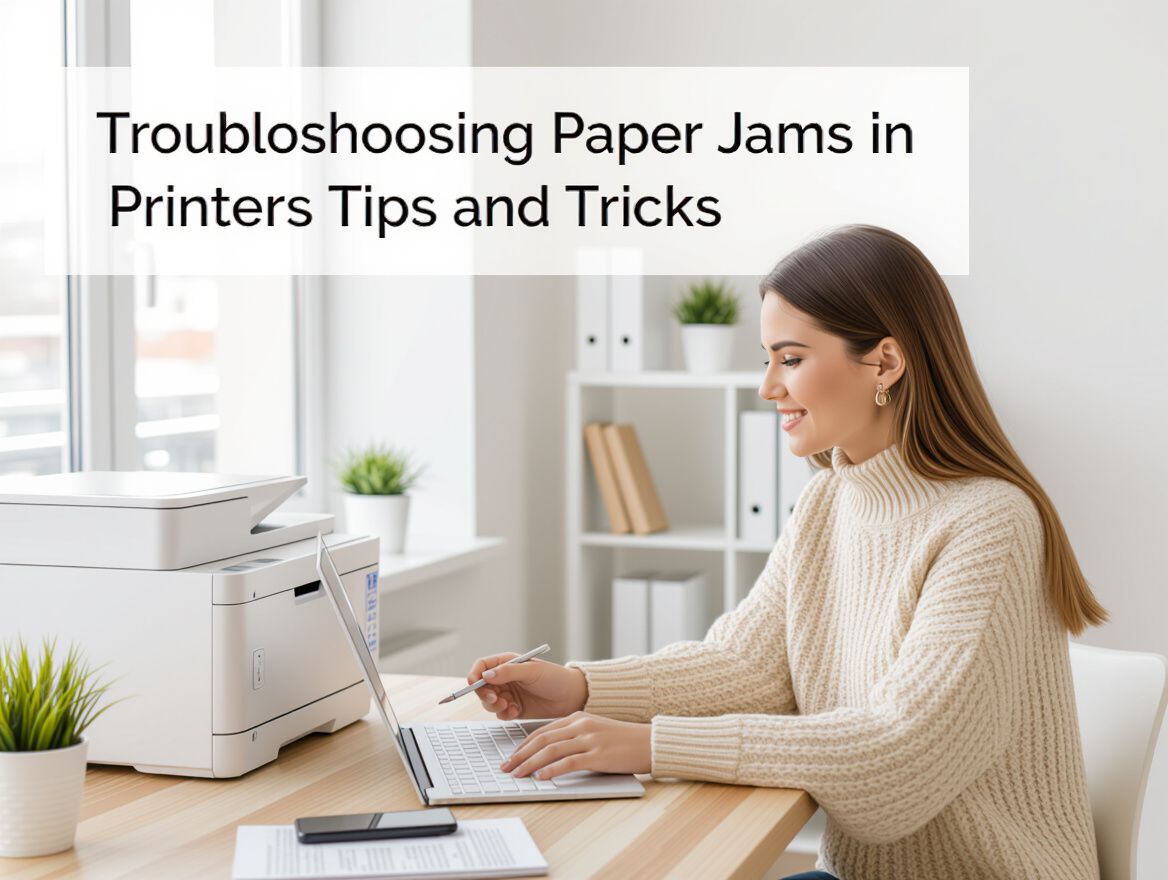
Troubleshooting Paper Jams in Printers: Tips and Tricks
Understanding Paper Jams in Printers
Paper jams are a common frustration for printer users, often occurring when sheets become stuck in the printer's feed mechanism. This issue can arise from various factors, including the type and quality of paper used, improper loading techniques, and even the printer's overall build quality. Understanding these causes is crucial for both troubleshooting existing problems and making informed purchasing decisions.
Common Scenarios Leading to Paper Jams:
- Incorrect Paper Loading: Overloading the paper tray or not aligning the paper correctly can lead to multiple sheets feeding through at once.
- Paper Quality: Using low-quality or incompatible paper types can increase the likelihood of jams. Printers typically perform best with paper that meets their specifications.
- Dirty Feed Rollers: Dust and debris can accumulate on the feed rollers, hindering their ability to grip and feed paper properly.
Importance of Choosing the Right Printer
Investing in a printer with a sturdy build and reliable components can significantly reduce the occurrence of paper jams. Features to consider include:
- Build Quality: A well-constructed printer will have better mechanisms that resist wear and tear over time.
- Design and Maintenance: Printers designed for easy access to internal components make it simpler to perform regular cleaning and maintenance, which can help prevent jams.
- Paper Handling Capabilities: Look for printers that specify their compatibility with various paper types and weights to ensure optimal performance.
By understanding the causes of paper jams and considering these factors when purchasing a printer, you can minimize future frustrations and enhance your printing experience.
Common Causes of Paper Jams
Understanding the common causes of paper jams can help you troubleshoot issues effectively and choose a printer that minimizes these problems. Here are several factors contributing to paper jams in printers:
-
Incorrect Paper Loading Techniques: Proper loading is crucial. Ensure that the paper is stacked neatly and that the guides are adjusted snugly against the paper without being overly tight. If the paper is not aligned correctly, it can lead to feeding issues.
-
Use of Incompatible Paper Types: Not all paper is created equal. Printers are designed to work best with specific types and weights of paper. Using paper that is too thin, too thick, or of poor quality can lead to feeding problems and increase the likelihood of jams. Always refer to the printer's specifications for recommended paper types.
-
Overloading the Paper Tray: Each printer has a maximum capacity for paper in the tray. Overloading can cause multiple sheets to be fed at once, resulting in jams. Pay attention to the manufacturer's guidelines on paper capacity to avoid this issue.
-
Dirty or Worn-Out Rollers: Rollers play a critical role in feeding paper into the printer. Dust, debris, or wear can affect their performance, leading to jams. Regular maintenance, including cleaning the rollers, can help prevent this issue.
By being aware of these factors, you can not only troubleshoot existing paper jams but also make informed decisions when purchasing a printer to reduce the likelihood of future problems. Look for models known for their robust construction and reliability, as these tend to handle paper better and are less prone to jams.
Preventive Measures to Avoid Paper Jams
Preventing paper jams in printers involves a combination of proper paper handling, regular maintenance, and informed purchasing decisions. By following these actionable tips, you can significantly reduce the likelihood of encountering paper jams.
-
Proper Paper Loading Techniques: Always load paper neatly into the tray without overfilling. Fan the stack of paper slightly before placing it in the tray to prevent multiple sheets from feeding through at once. Ensure that the paper guides are snug against the paper but not overly tight, as this can cause jams.
-
Regular Maintenance and Cleaning Routines: Dust and debris can accumulate in printers, leading to jams. Regularly clean the printer's interior, especially the rollers, to ensure smooth operation. Create a maintenance schedule that includes checking for any obstructions in the paper path.
-
Choosing the Right Paper Type and Quality: Use paper that meets the specifications recommended by your printer manufacturer. Low-quality or incompatible paper can lead to feeding issues and increase the chances of jams. Opt for paper that is the correct weight and thickness to minimize problems.
-
Understanding Printer Specifications: When purchasing a printer, pay attention to its build quality and design. Printers with sturdier construction tend to have fewer issues with jams. Look for models that have adjustable paper guides and a reliable paper feed mechanism to enhance performance.
By implementing these preventive measures, you can create a smoother printing experience and minimize the frustrations associated with paper jams.
Choosing the Right Printer to Minimize Jams
When selecting a printer, it's essential to consider features that can help reduce the likelihood of paper jams. Here are key criteria to evaluate:
-
Build Quality and Durability: Opt for printers with sturdy construction. A robust build can prevent malfunctions and jams that often occur with cheaper, flimsier models. Look for adjustable paper guides and solid paper catchers that can withstand regular use.
-
Compatibility with Various Paper Types: Ensure the printer is designed to work with a range of paper types and weights. Using paper that meets the manufacturer’s specifications can significantly lower the risk of jams. Avoid low-quality or incompatible paper, as these are common culprits in feeding issues.
-
Maintenance Requirements: Choose a printer that is easy to maintain. Regular cleaning of rollers and proper paper loading can prevent jams. Consider models that provide user-friendly maintenance guidelines or notifications for upkeep.
-
Customer Reviews and Reliability Ratings: Investigate customer feedback regarding paper jam occurrences. Reliable brands often have higher ratings for performance and fewer reported issues. Look for reviews that specifically mention the printer's handling of paper jams.
By carefully evaluating these criteria, you can select a printer that not only meets your needs but also minimizes the frustration of paper jams.
Risks and Considerations When Buying a Printer
Selecting a printer involves several factors that can influence your overall satisfaction and long-term costs. Understanding these risks and considerations can help you make a more informed decision and reduce the likelihood of experiencing frustrating paper jams.
-
Cost of Ownership: Beyond the initial purchase price, consider the ongoing costs associated with ink or toner cartridges and paper. Cheaper printers may have higher ink costs, as manufacturers often price them competitively while making profits on consumables. Research the cost per page for different models to avoid unexpected expenses.
-
Impact of Low-Quality Ink and Paper: Using low-quality or incompatible ink cartridges and paper types can lead to frequent paper jams and poor print quality. Opt for original equipment manufacturer (OEM) cartridges when possible, as they tend to produce better results and minimize the chances of jams.
-
Long-Term Maintenance Costs: Regular maintenance is essential for printer longevity. Some models require more upkeep than others, which can add to your costs over time. Consider the ease of cleaning and maintenance when evaluating different printers.
-
Possible Warranty Limitations: Be aware of the warranty terms and conditions. Some warranties may not cover issues related to paper jams if low-quality supplies are used. Ensure you understand what is and isn’t covered before making a purchase.
By weighing these factors, you can choose a printer that not only meets your immediate needs but also minimizes future risks associated with paper jams and overall performance.
Frequently Asked Questions About Paper Jams
When dealing with paper jams in printers, many users have common queries. Understanding these can help both in troubleshooting current issues and in selecting a printer that minimizes such problems.
What are the best practices to avoid paper jams?
- Use Quality Paper: Always select paper that meets your printer's specifications. Low-quality or incompatible paper can lead to feeding issues.
- Proper Loading: Stack paper neatly and avoid overloading the tray. Fan the stack before loading to prevent multiple sheets from feeding at once.
- Regular Maintenance: Keep your printer clean, including dusting off rollers and ensuring they are free from debris.
How can I troubleshoot a paper jam?
- Check the Paper Path: Open the printer and inspect for any visible jams. Gently pull out any stuck paper.
- Clean the Rollers: Dust and debris on rollers can cause feeding problems. Use a lint-free cloth to clean them.
- Review Settings: Ensure that your printer settings match the type of paper being used, as incorrect settings can lead to jams.
What printer features help reduce paper jams?
- Robust Build Quality: Choose printers with sturdy construction, as flimsy models are more prone to jams.
- Adjustable Paper Guides: Look for printers with adjustable guides that fit various paper sizes snugly.
- Automatic Paper Detection: Some printers come with sensors that adjust settings based on the loaded paper type, reducing the chance of jams.
Are certain brands less prone to paper jams?
While specific brands may have reputations for reliability, the likelihood of paper jams often depends more on the printer's design and the user's practices. Researching user reviews and feedback can provide insights into brands known for better performance in this area. Always consider the total cost of ownership, including ink and paper compatibility, which can impact your overall experience with paper jams.
Final Thoughts on Paper Jams and Printer Selection
Understanding the causes and prevention strategies for paper jams is essential for anyone looking to buy a printer or troubleshoot existing issues. Key factors influencing paper jams include the quality of the paper used, the printer's build quality, and proper maintenance practices.
- Quality Matters: Always select printers designed to handle specific paper types and weights. Using low-quality or incompatible paper can significantly increase the risk of jams.
- Build Quality: Invest in a printer with a sturdy construction. Flimsy models often have adjustable parts that can break, leading to more frequent jams.
- Regular Maintenance: Keep your printer clean and perform routine checks, such as cleaning rollers and ensuring paper paths are free from debris.
When choosing a printer, consider the outlined criteria to minimize future paper jam issues. Evaluate models based on user reviews, focusing on their reliability and ease of maintenance. By applying these tips and being mindful of the selection criteria, you can make a more informed decision that aligns with your printing needs and reduces the likelihood of frustrating paper jams.